AI, Knowledge and Personal Computing

HistoriCal
Keeps a lasting record of calendar events after the feed, account or job they came from is gone.
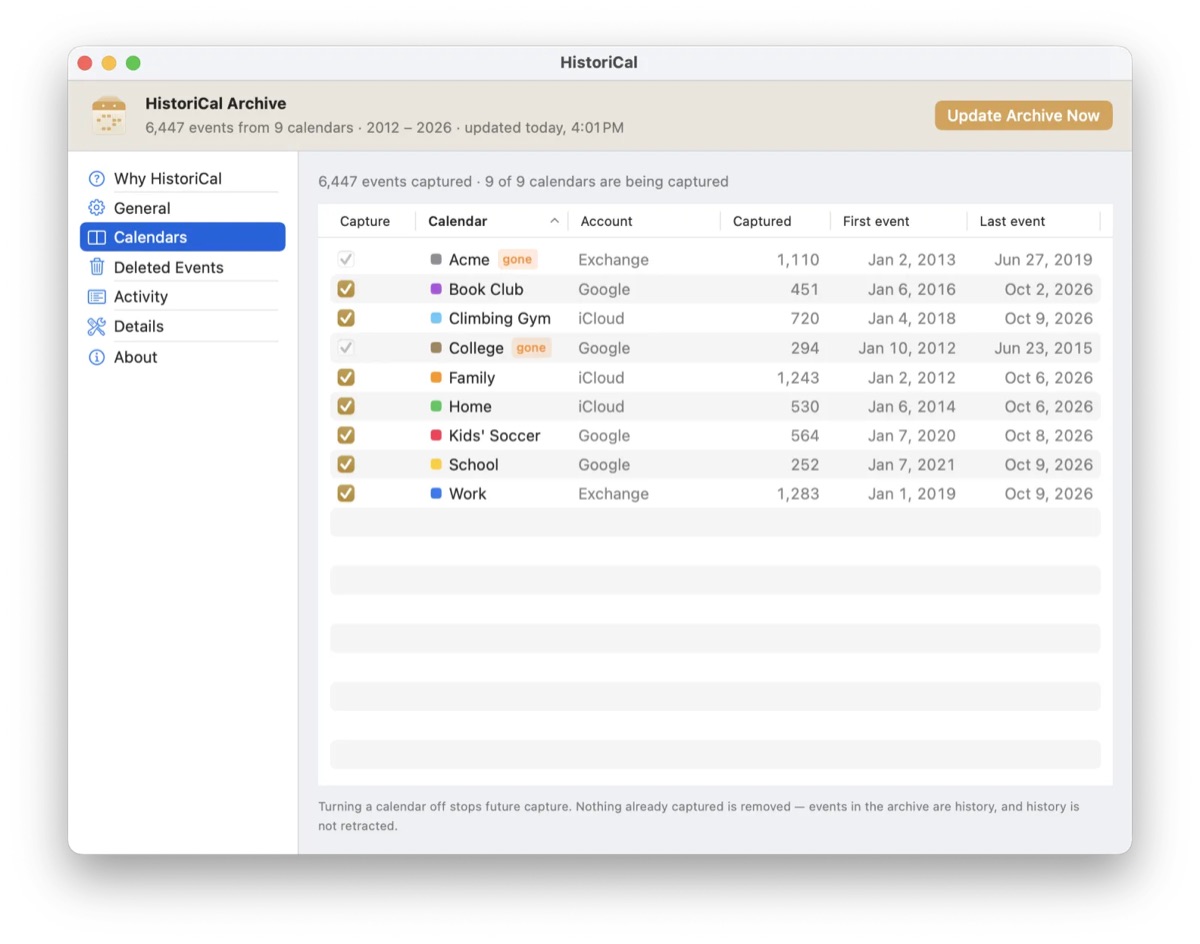
A backup for your calendars. A macOS app that copies every past event from every calendar on the Mac into one archive calendar you keep, so the past survives when a work account closes or a subscription ends. It runs in the background, writes only to its own archive calendar, and nothing leaves the Mac.
Why a calendar needs a backup
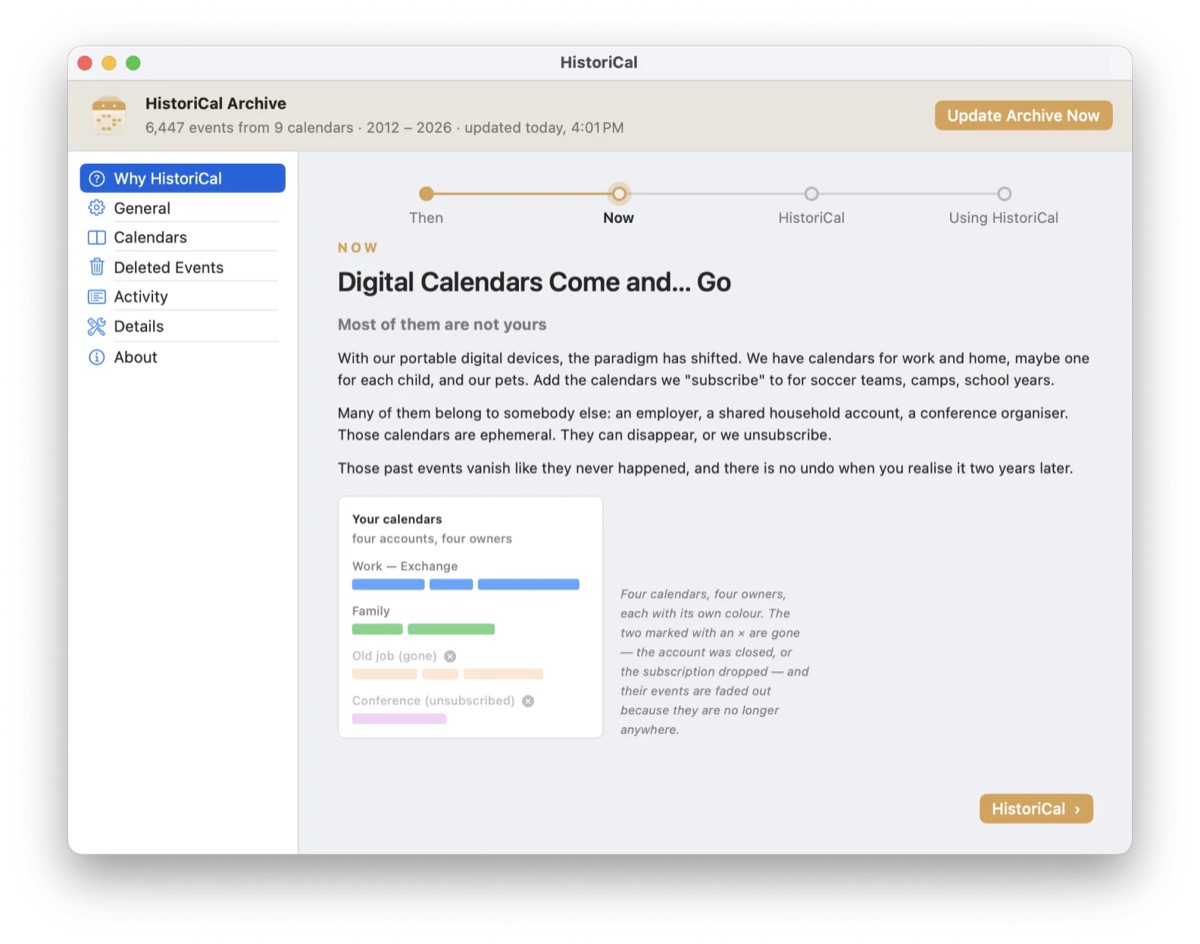
A paper calendar kept itself. At the end of the year it went in a drawer and the year was all there. Digital calendars come and go, and most of them aren't yours: an employer's, a school's, a team's. When the account closes or you unsubscribe, their past events vanish, nobody tells you, and there is no undo.
HistoriCal copies every past event from every calendar on the Mac into one archive calendar you keep. Work, family, school, the kids' team, all of it.
Set it and forget it
- Install. Allow it to read your calendars. macOS asks once.
- Forget it. It wakes in the background, copies what has finished, and goes back to sleep.
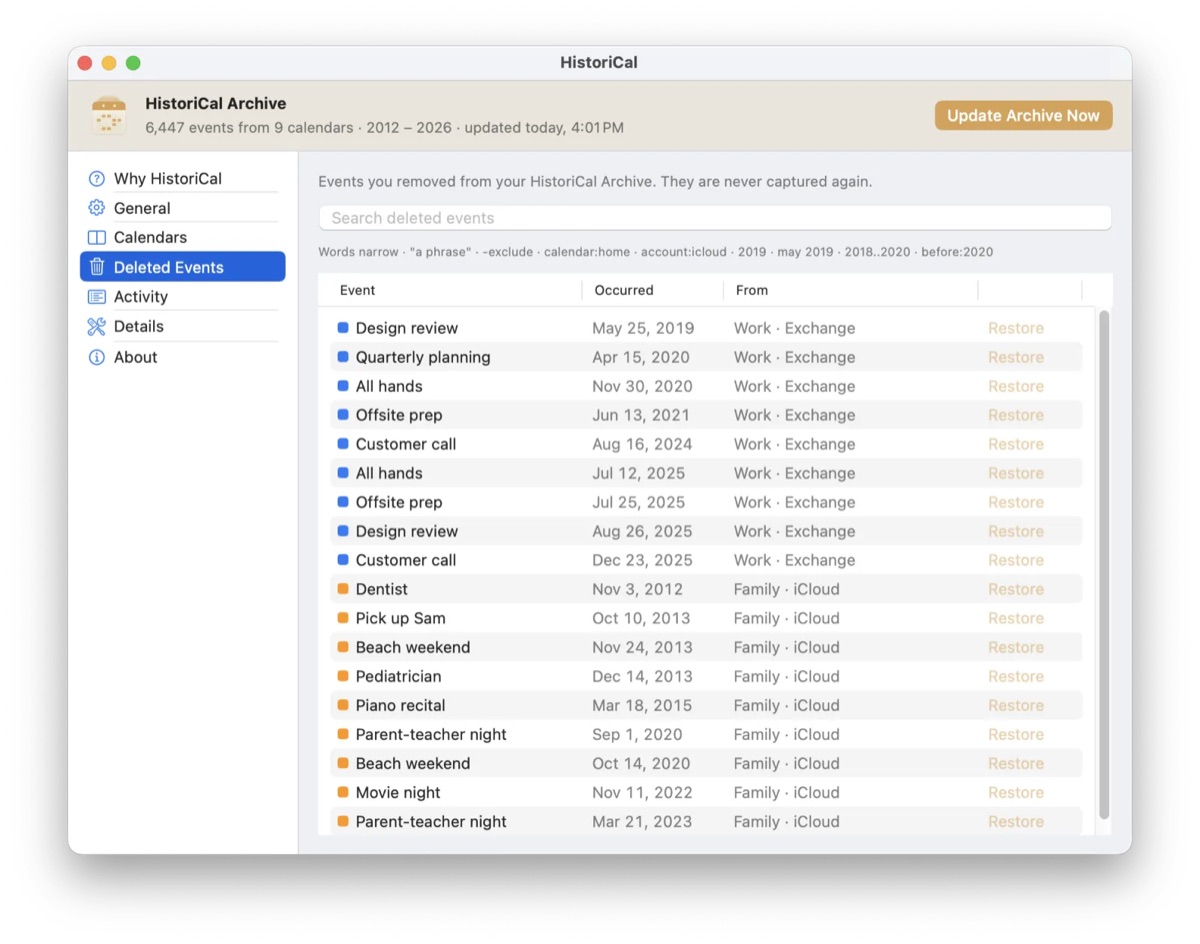
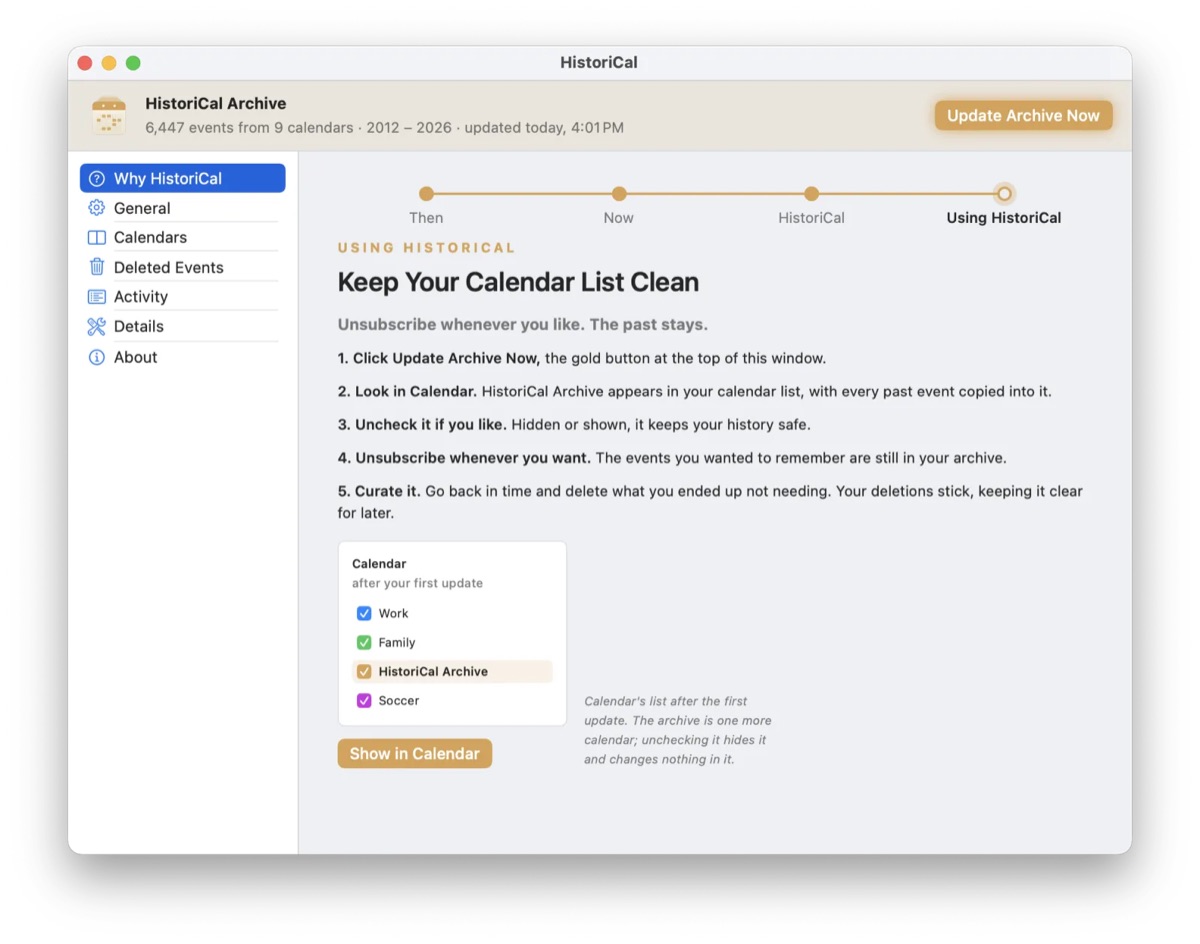
- Look back. HistoriCal Archive is one more calendar in Calendar. Hide it, show it, edit it. What you delete stays deleted.
Privacy
Nothing leaves the Mac. There is no account and no analytics, and it goes online only to check for updates. It reads your calendars and writes only to its own archive calendar. For macOS 14 or later.
Screens
Highlights
- Runs in the background with no window and no dock icon, wakes up, copies what has finished, and goes back to sleep
- The archive is an ordinary calendar in Calendar.app (On My Mac, iCloud or another writable account), so it reaches iPhone and iPad with no app needed to read it
- Never writes to any calendar but its own, and an archived event you delete stays deleted, it is never copied back
- No account and no analytics. It goes online only to check for updates, and the license key is checked offline
- The landing site at historical.shming.com counts visits without cookies and deletes a waitlist address after its one email
Details
- Built with
- SwiftEventKitSwiftUIAppKitSQLiteSparkleCloudflare PagesCloudflare D1